Research
Who are the users, what are they trying to do, where do they get stuck today?
Week 1UI / UX design
Research, user journeys, and interface design that help people get things done on your website or app.
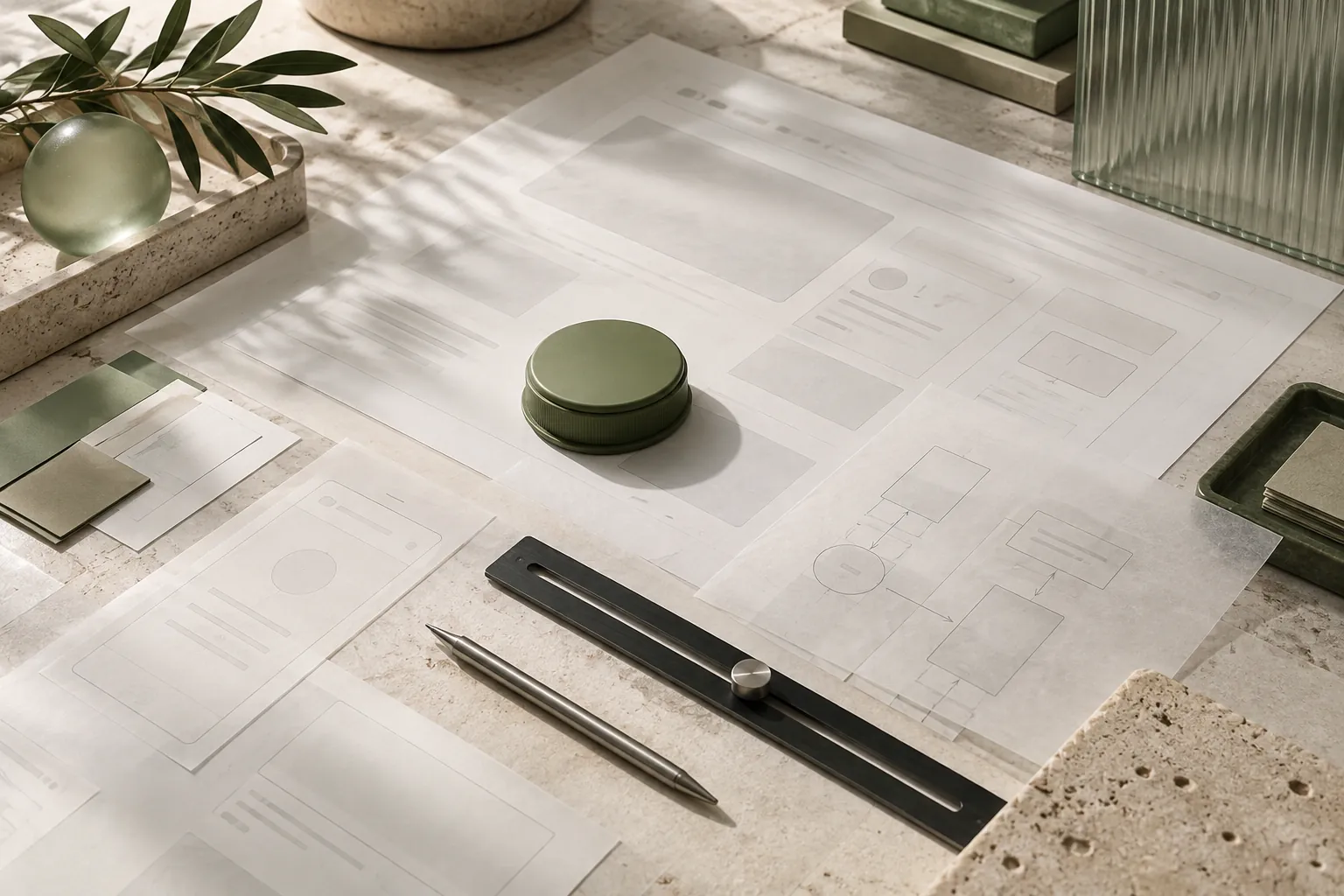 Illustrative study · UI / UX design
UI UX design is two jobs in one name. UX (user experience) decides what the screens do and in what order. UI (user interface) decides what they look like. Get UX wrong and a beautiful product still fails. Gigmoz Solutions provides UI UX design services from Powai, Mumbai for websites, SaaS products and mobile apps across India.
UI UX is usually included in a website build from ₹60,000, or scoped separately for product work. For apps and SaaS it is the larger part of the job, not a finishing layer. Full bands are on our pricing page.
Design in context
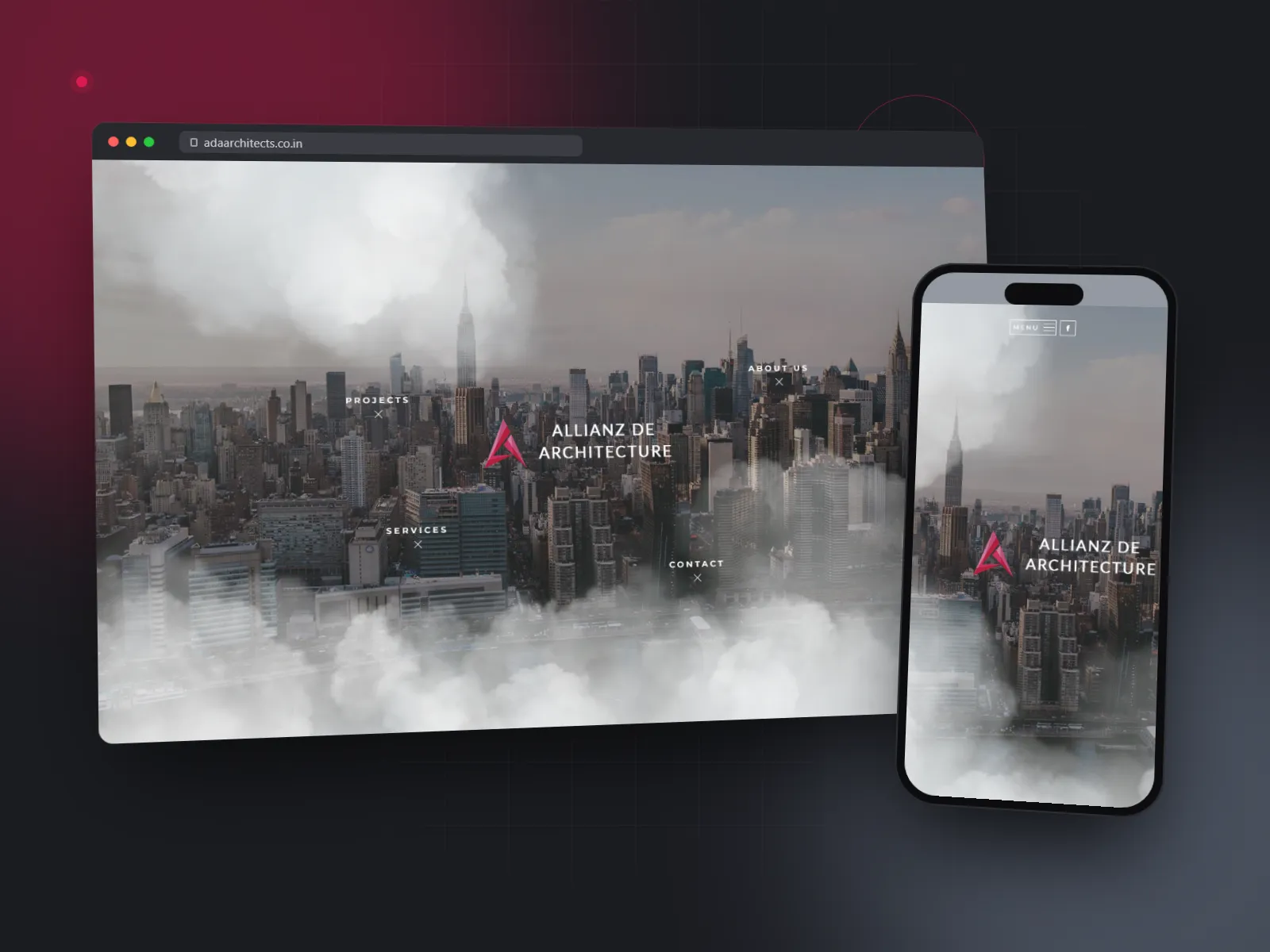
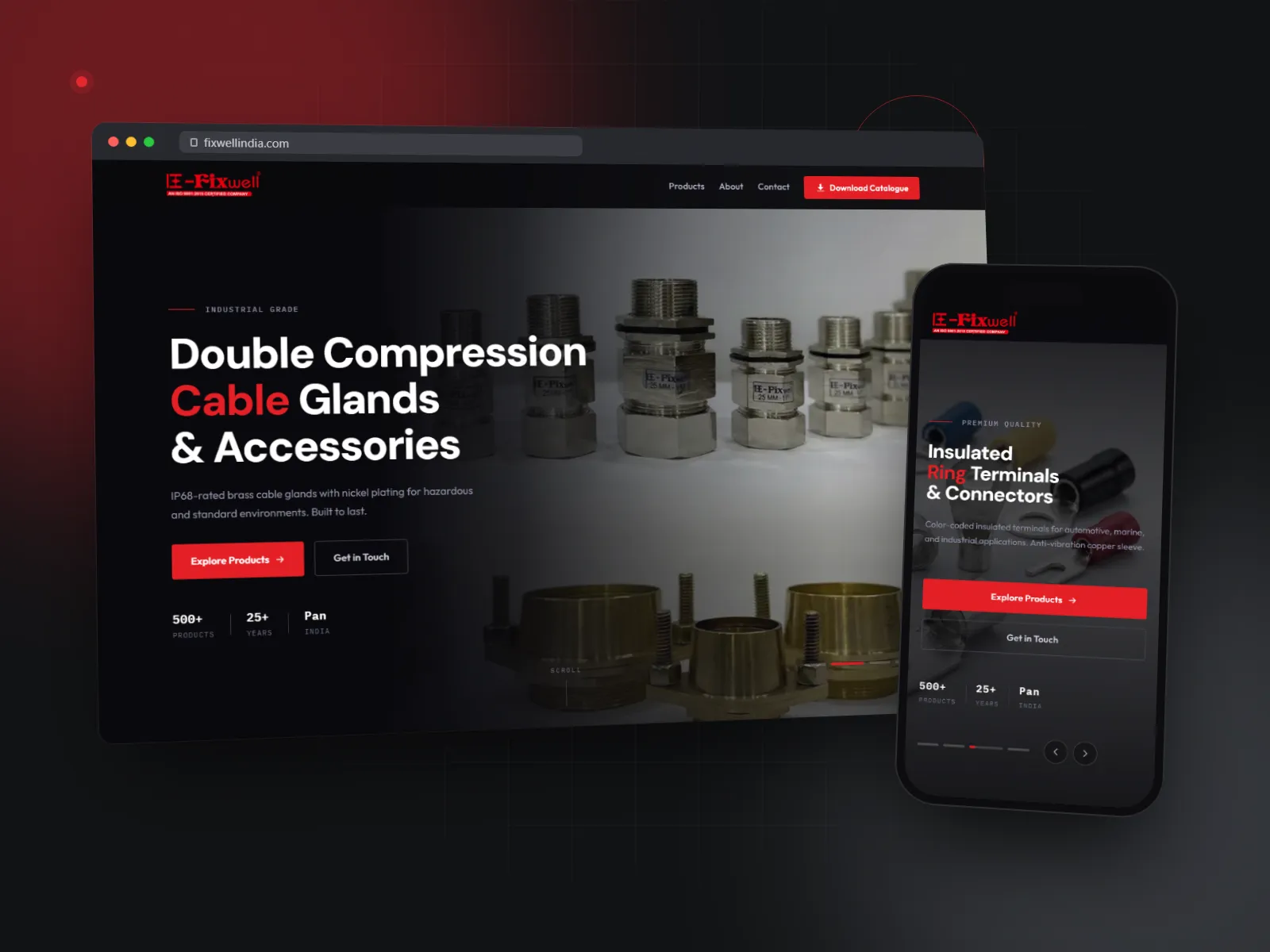
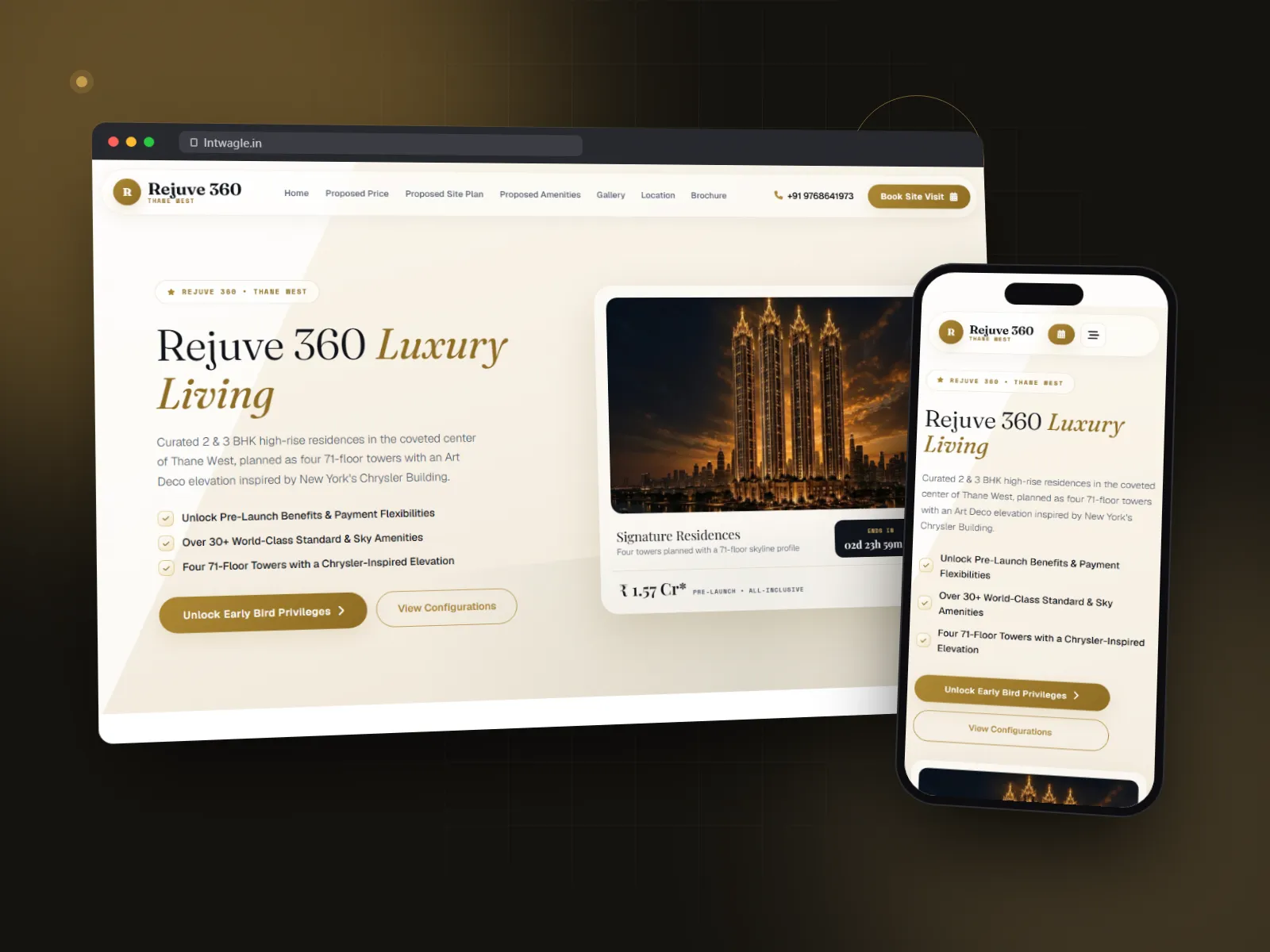
A website is a sequence of decisions: what to show, what to simplify, and where to invite someone next. Explore the visual thinking and a piece of work we have shipped.
Explore the approachUI UX is its own discipline. For websites it overlaps with web design; for SaaS products and mobile apps it's the whole game. Here's the scope we take responsibility for:
Who are the users, what are they trying to do, where do they get stuck today?
Week 1Information architecture, sitemaps, user flows. Nothing visual yet – we want to fight about structure before colour distracts anyone.
Week 1–2Low-fi Figma frames. Quick to iterate on, brutal to look at, great for spotting flow issues.
Week 2–3Hi-fi mockups, brand-aligned, responsive. Real content, not lorem ipsum.
Week 3–5Clickable prototypes for user testing (optional but recommended for SaaS and apps).
Week 5–6Component library, design tokens, documentation, developer handoff in Figma.
Final weekEvery engagement finishes with a concrete pack of files, not a slide of promises.
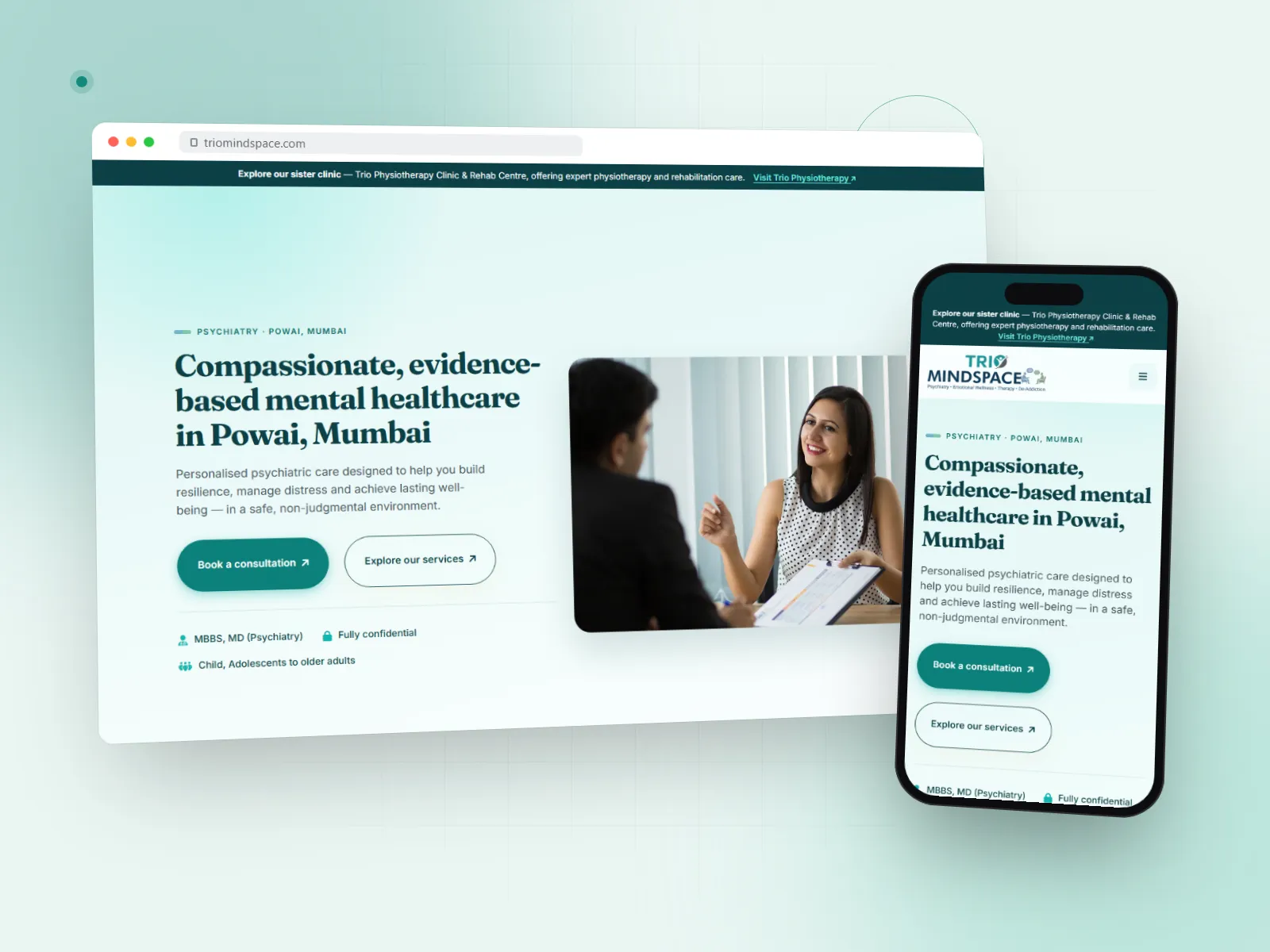
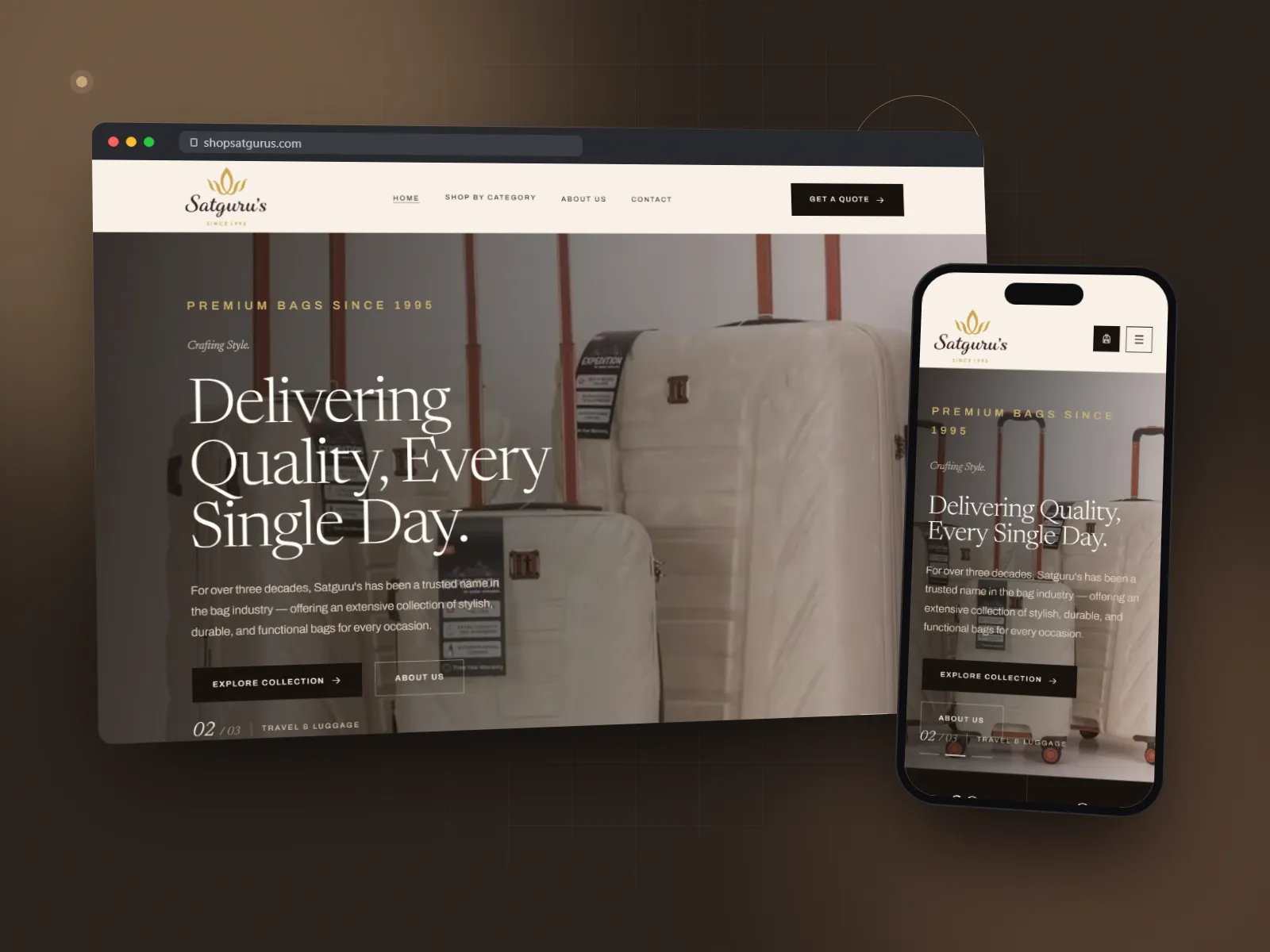
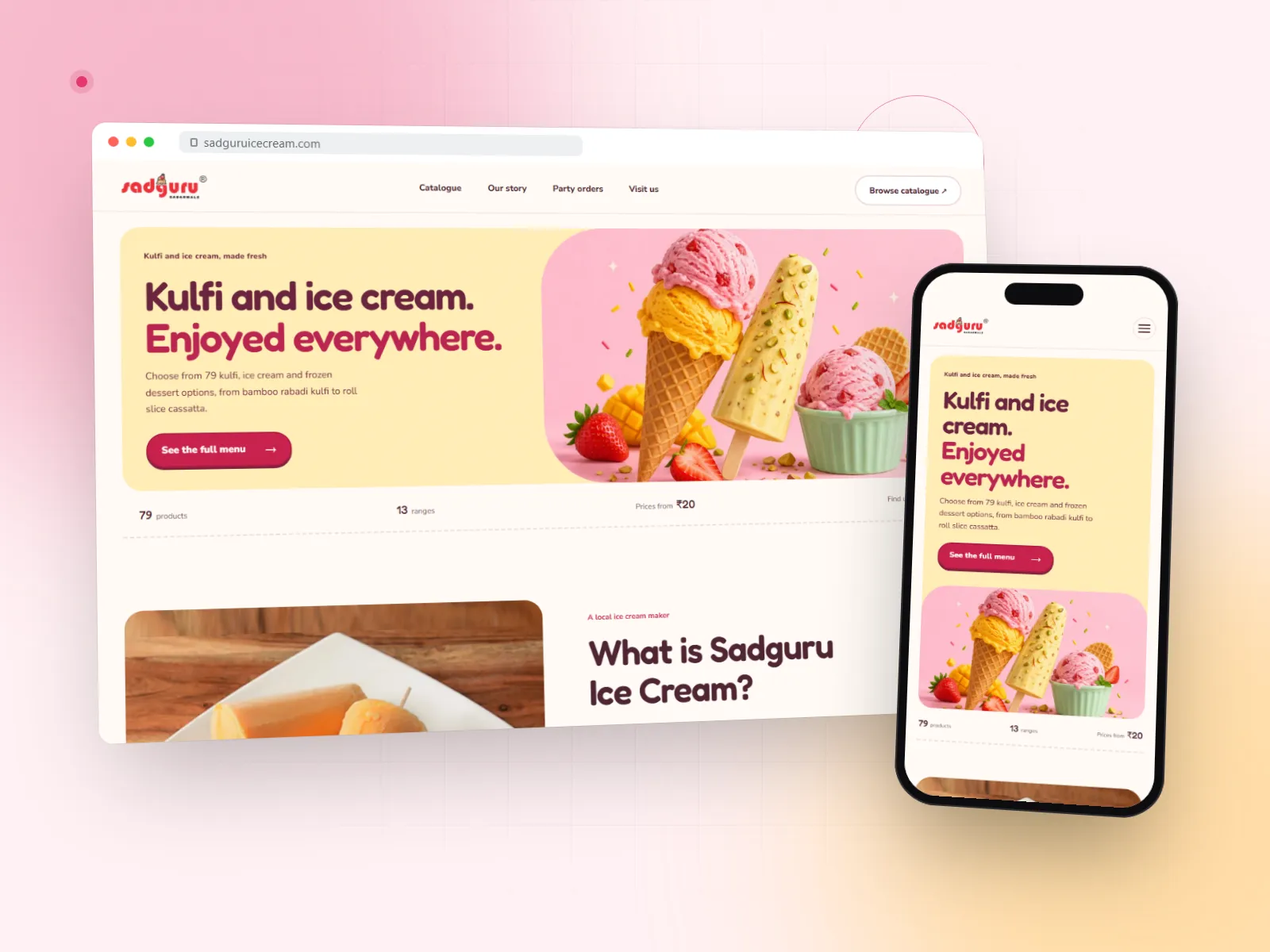
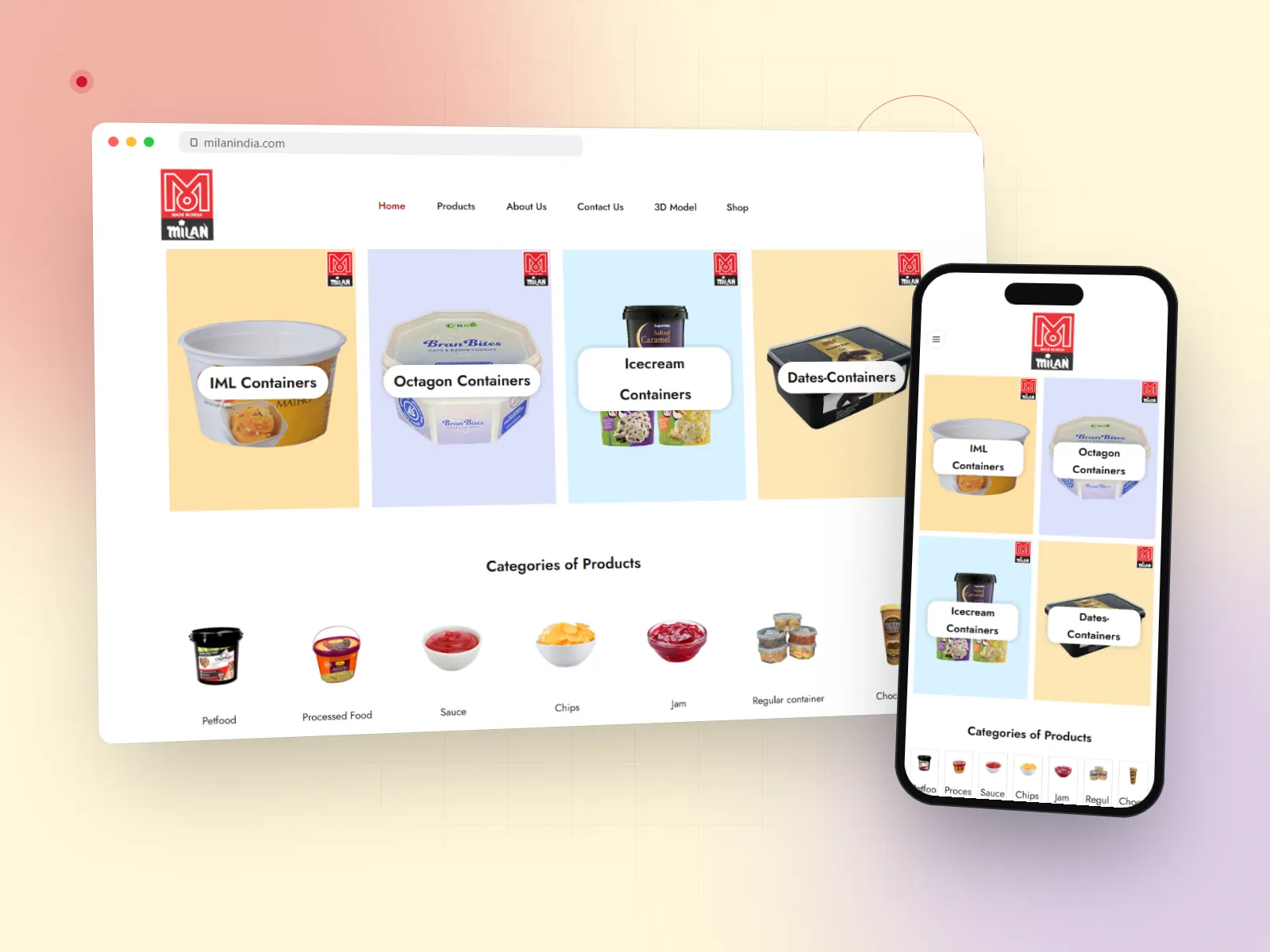
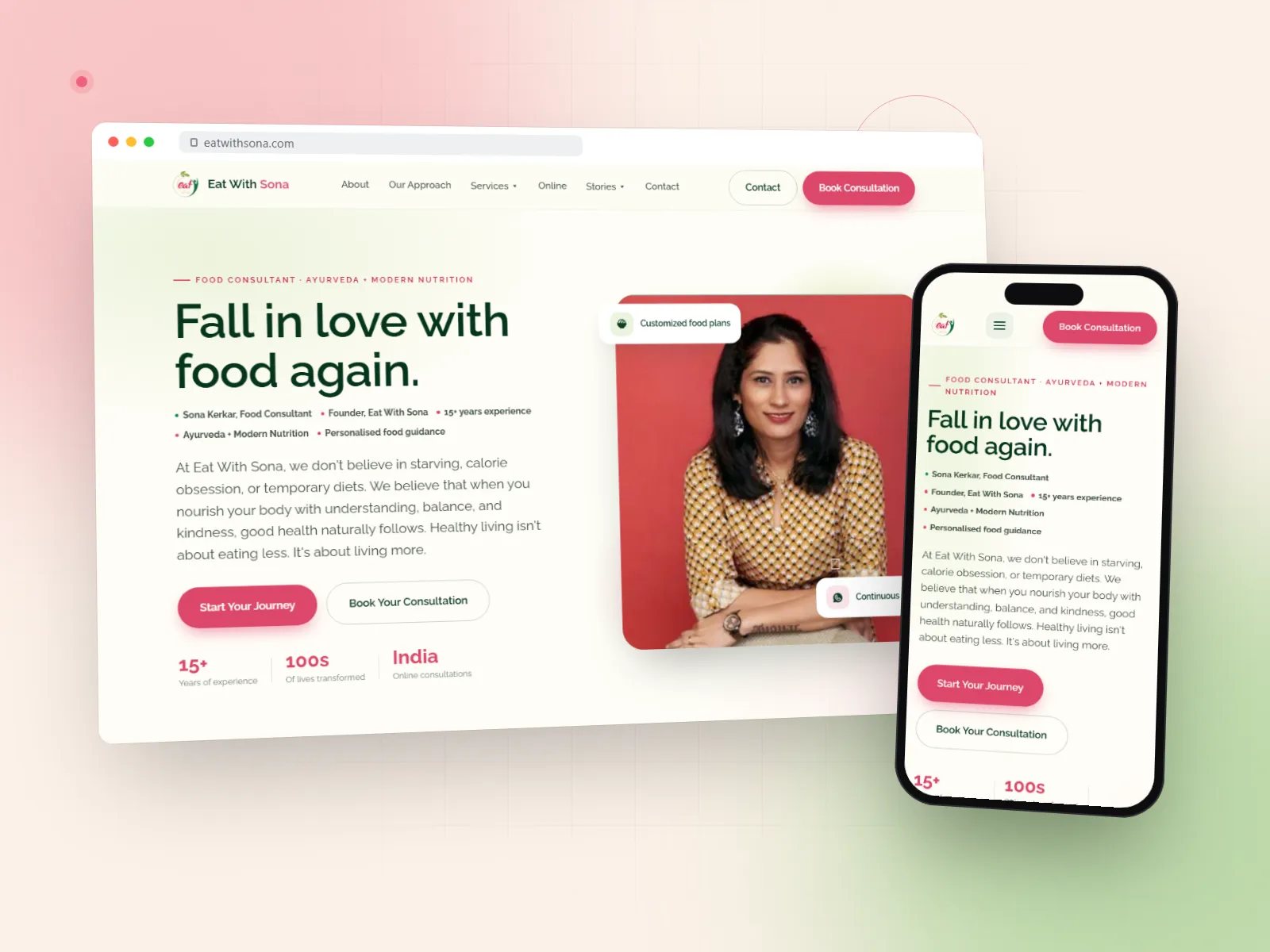
Trio Mindspace · Eat With Sona · Rejuve 360 · Sadguru Ice Cream – see the full portfolio.
From our website portfolio
Probably not as a separate line item – brochure site design is baked into our website design service. UI UX is its own deliverable when the product is complex, like a SaaS app or mobile app.
Yes. We do UX audits on live products and deliver a staged redesign plan.
Figma for design, FigJam for flows and workshops, Maze for user testing.
Both. Most projects need responsive web and sometimes native app design. We handle all three.
Yes – we're one of the few Mumbai UI UX agencies that also develops. You don't have to find a separate dev team.